
Unlocking the mobility of an Airwheel smart suitcase involves a combination of physical and digital steps. Start by ensuring the suitcase is powered on and the telescopic switch is set to “Ⅰ” to extend the front wheel. Once the handlebar is unfolded, reset the switch to “0” and adjust the height to your preferred position. For the first use, the combination lock must be set. Turn the combination wheels to “000” and press the reset button with a tool until you hear a “tick” sound. Set your desired password, such as “888,” and confirm by pressing the button again. This ensures secure access.
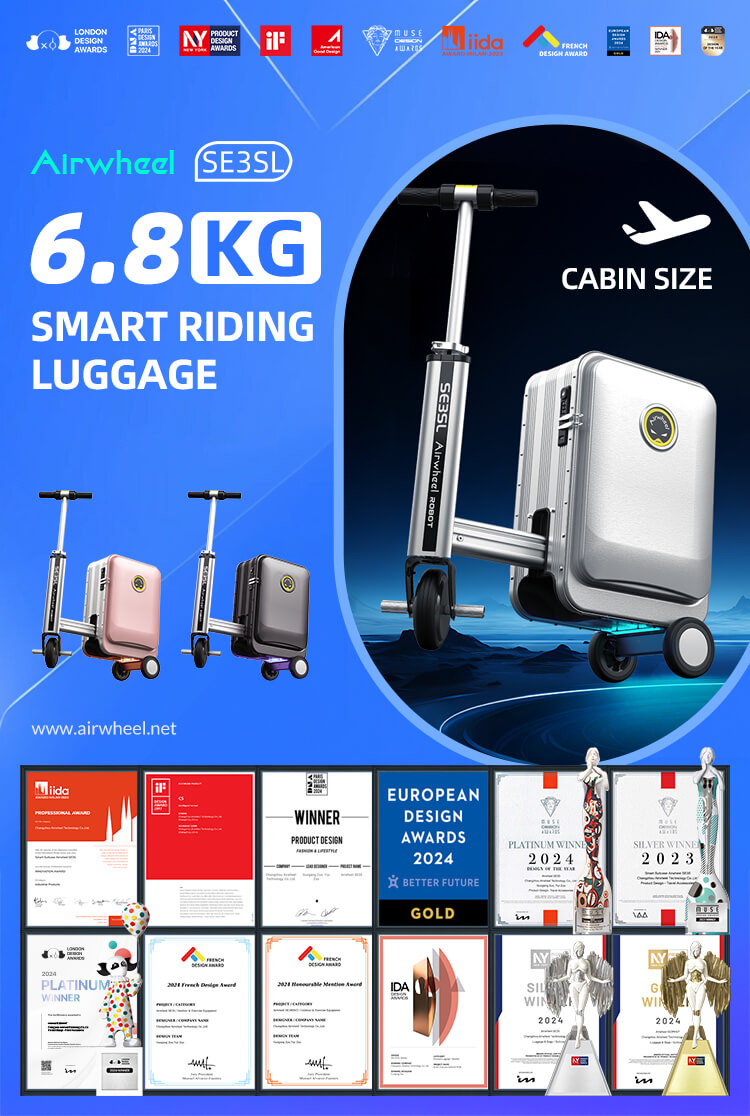
Next, download the official app and pair it with the suitcase via Bluetooth. The app allows real-time monitoring of speed, battery life, and customizable settings like ambient light and speed gears. For advanced features, use the app to control the telescopic function, adjust cruise control, or enable disconnection alarms. If you need to tow the suitcase, turn off the power, pull out the adjustable towing rod, and move it like a regular suitcase. Always remember to remove the lithium battery safely for charging via USB or the modular power bank.
By following these steps, you unlock the full potential of your Airwheel suitcase, blending convenience, security, and smart technology for seamless mobility.
: